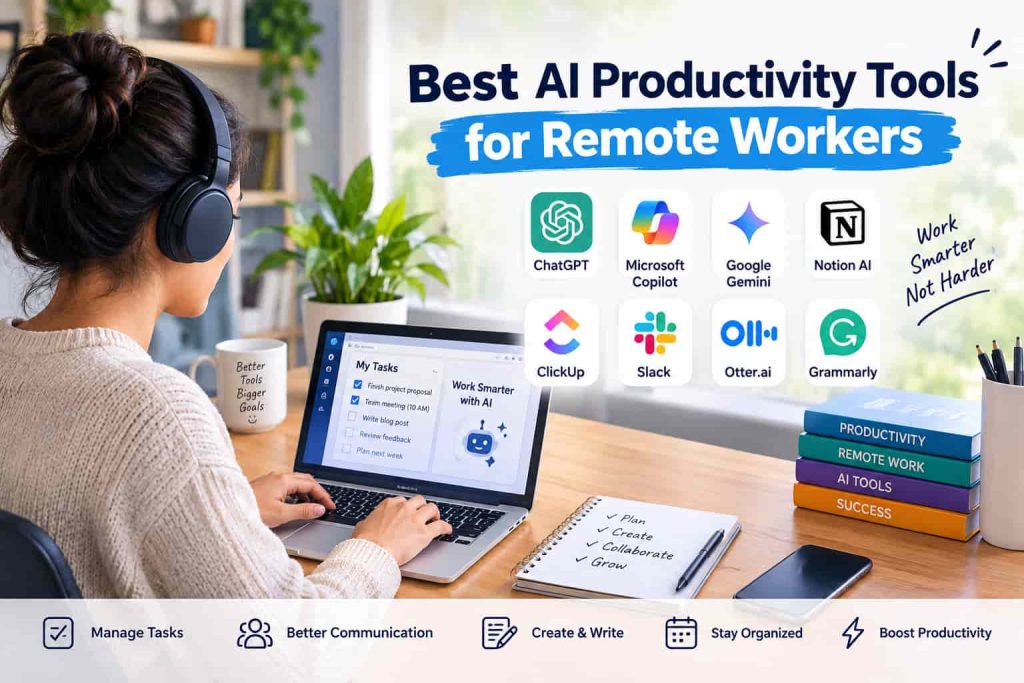
Discover the best AI productivity tools for remote workers in 2026 to manage tasks, meetings, communication, writing, and daily workflows more efficiently. Working remotely gives you flexibility, but managing tasks, meetings, messages, and deadlines can quickly become overwhelming. The best AI productivity tools for remote workers help reduce repetitive work and make everyday tasks easier to manage.
Why Does AI Matters for Remote Work?
Often, remote workers will deal with many tasks without the presence of someone to assist them. They can be expected to plan projects, join virtual meetings, send emails, work with documents and track deadlines all day long. There are many of these tasks that can be aided by artificial intelligence. AI can be a digital assistant, rather than replacing human workers, which helps save time and lessen manual effort.
They can summarize lengthy conversations, develop drafts, organize information, and provide ideas and guidance for users to keep the focus on valuable work. It is because the type of work that you will do will determine the type of tool that you should have. A content writer might benefit from AI tools for content creation, whereas a project manager might appreciate more automated task management and meeting summarization.
What is useful about AI Productivity Tools?
An AI productivity tool that is useful shouldn’t just be more technology for the sake of technology, it should solve a problem. When deciding on a tool, remote employees must take into account the tool’s ease of use with their existing applications and workflow. User-friendliness, automation capabilities, service integration, privacy controls, cost, and the AI capabilities are all essential.
An intricate system will require more time to maintain than to save. However, another point to take into account is accuracy. It is important to review AI-generated information prior to its use in professional communication, reports, research, and/or important business decisions.
ChatGPT for Everyday Work Assistance
ChatGPT can help telecommuters write, brainstorm, conduct research, summarize, plan and solve problems. It can be used to convert an outline into a full document and/or generate a first draft that is editable and can be customized by the worker. Its versatility might be beneficial for experts who need to frequently switch between various kinds of jobs.
It can be used to draft e-mails in the morning, to plan project ideas later, and to come up with questions for a meeting afterwards. It is also beneficial in making complicated information easy to understand. Workers can ask to have the text or context summarized or to be given a more detailed explanation or a list of key points.
Microsoft Copilot for Microsoft Workflows
Microsoft Copilot will be integrated with Microsoft’s productivity suite. This is applicable to remote teams who are already using applications like Word, Excel, PowerPoint, Outlook and Teams to collaborate extensively. Copilot can help with content creation, content summarization, analysis of data and information, and meeting and email content.
AI integration in known applications can help minimize the translation of data across applications for staff working a lot of their workday in Microsoft applications. If workers are using Microsoft apps for a large portion of their workday, an AI assistant within popular software can make it easier to move data from one application to another.
Google Gemini for Workspace Users
Google Gemini can come in handy for individuals using the Google environment. It can assist in crafting texts, brainstorming, information processing, and summarization. The feature of AI integration is especially useful for remote workers utilizing Google’s Workspace applications like Gmail, Google Docs, Google Drive, and more. Users do not have to copy information into its own service for each small task, as they can get AI help in supported Google products. Can be supportive for remote groups which interact primarily via cloud documents and communication.
Notion AI for Notes and Knowledge Management
Many people use Notion to manage their notes, projects, databases and team information. It can help manage vast amounts of work-related data with its AI features. AI can help remote teams to summarize notes, enhance written communication, gather valuable information, and structure ideas. It can be useful when you have a large number of pages and documents in a project that you want to review but isn’t going to be quick to do by hand. For remote workers who regularly organize information, AI note-taking tools can also make it easier to capture and organize information. Having all project data and AI tools within a single workspace can be helpful for remote workers, too, making it easier to maintain a consistent workflow.
Streamline your tasks with ClickUp’s AI-powered capabilities.
ClickUp is a project management, task organization, documentation, and collaboration app. The AI feature can help teams write, summarise, plan and manage project-related information. When working remotely, it’s important to know who is working on what and who needs to have a task finished. This information may be more easily tracked with a centralized workspace. AI can also minimize repetitive work by assisting with the content for tasks, summarizing project updates and breaking down information into more manageable parts.
Slack for Smarter Team Communication
In the Distributed Teams communication, Slack is used in a common scenario. Important information may be hard to find in a lot of channels and with continuous discussions. Summarization and information extraction features powered by AI may assist employees in summarizing discussions and finding the most pertinent information in a more efficient manner. It is particularly useful in the event a person comes back to work after several hours away or wants to realize what’s occurred in a hectic project channel. A worker can get a quick overview of a discussion before viewing its details to attend to by utilizing the readily accessible AI highlights.
Otter.ai for Meeting Transcription
Remote working has a big component of virtual meetings and when engaging in a discussion, it can be difficult to take detailed notes. Otter.ai’s capabilities are centered around transcription and meeting productivity. It can transcribe voice conversations into text and give features to examine meeting material. This enables employees to focus more on what’s being said than on writing each statement down. Meeting transcriptions can also be utilized by an individual on the team who may not have been able to be at a meeting to get up to speed on what was covered or discussed.
Grammarly for Work Professionally!
Effective written communication can make all the difference when team members are mostly communicating via email, chat and document. Grammarly provides users with the assistance of AI to enhance their writing. It can be useful for spotting grammar mistakes, enhancing clarity, modifying tone, and facilitating the understanding of written communication.
These features can be utilized by remote professionals to create emails, reports, proposals or business paperwork, especially when exploring free AI writing tools for beginners. It shouldn’t be the objective to have all messages sound alike. Rather, AI recommendations can serve as a foundation for the writer to build on and develop their own voice and judgment.
What to Watch for
If you’re on the fence about which AI tools to use for remote work, prioritize those that will enhance your job flow:
Task automation: Saves repetitive administrative tasks.
Meeting assistance: Transcription and summaries, plus action item support saves time.
Writing support: Supports in the writing of emails, documents, and reports.
App integrations: Links AI to existing apps.
Collaboration: Enable easier cross-distributed team information sharing.
Data protection: Offers management measures to manage confidential workplace information.
How to Choose the Right Tool
Don’t need to rely on multiple AI platforms to be more productive. If too many services are used, it can result in increased complexity and the worker having to carry information around on multiple platforms. The first step is to pick the task that takes the most unneeded time. If you have many meetings, a tool for transcribing and summarizing questions and answers might be helpful. For people who struggle with writing, an AI writing assistant might be more useful. Choosing the right AI tool for your needs also means checking whether it fits the software and workflow you already use.
Be sure to ask if the tool you’re looking at supports your current software. Even with an extensive feature set, having some integration can be more crucial than others when remote employees want to optimize a current workflow and not completely reinvent it. When using an AI service to obtain company information, read your employer’s policies and the privacy and data handling terms of the platform. Client, financial, personal or confidential information should only be entered as permitted.
Benefits of AI for Distributed Teams
AI productivity tools can alleviate repetitive tasks and free up more time for remote employees to engage in tasks that call for human judgment. Large volumes of information can be easier to manage with automated summaries, drafts, organization and search. The other advantage is consistency. Shared AI-supported workflows enable teams to coordinate information and ensure projects keep moving forward despite working at various locations and time zones. AI is best used as an aide, though, not a decision-maker. Even though AI can generate content, it is not without flaws as there can be errors, lack of context, or inappropriate assumptions. That is why human review is still essential.
Conclusion
The top AI productivity tools for remote workers will vary based on the tasks needing enhancement, software already in place, and individual roles. Some tools like ChatGPT, Microsoft Copilot, Google Gemini, Notion AI, ClickUp, Slack, Otter.ai, and Grammarly can help with various aspects of a remote workflow. Don’t use every possible AI platform, select the tools that solve problems and integrate into your existing workflow. AI can assist remote workers to organise information, to communicate clearly and to avoid repetitive tasks if used correctly and with human oversight.
FAQs
What are the top AI productivity tools for remote workers?
Common AI tools are ChatGPT, Microsoft Copilot, Google Gemini, Notion AI, ClickUp, Slack, Otter.ai, and Grammarly. This choice will rely on the job that the worker is carrying out and the current software.
Do AI tools assist remote employees in saving time?
Yes. AI can be used to automate or simplify tasks that involve drafting, summarizing, transcription, brainstorming, and organizing information, thus cutting down the manual labor.
Do AI productivity tools work for remote teams?
Yes. They can facilitate communication, project organization, meeting summaries, documentation and collaboration across locations and time zones.
Should there be several AI tools for remote workers?
They can, but multiple platforms can create more complexity to the workflows. Generally, choose the tools that help address a problem and work with the existing system
Can AI be trusted for work?
While AI can be beneficial, it’s important to verify its results before relying on them in a professional setting. Factual claims, confidential information and important information, business decisions all need appropriate human judgment.