Web development remains one of the most sought-after, well-paid, and future-ready skills in the global job market. Every company, from tiny startups to Fortune 500 giants, needs a fast, secure, scalable web app to stay competitive online. Overview:
This thorough piece covers:
-
What modern web developers actually do
-
The three core disciplines and the current tech stack
-
Free and paid proven learning paths
-
Why Testing is Non-Negotiable for Career Growth
-
When and why businesses choose custom development
-
Emerging trends shaping hiring and salaries
-
Whether you’re starting fresh or picking your next project, this guide provides practical, up-to-date information
In this guide, we’ll break down skills, careers, and real business use cases in clear, plain language.
What do web developers do?
A typical day for a web developer includes:
-
Collaborating with designers, product managers, and stakeholders in daily stand-ups
-
Translating Figma/Sketch designs into responsive, accessible interfaces
-
Building and consuming REST or GraphQL APIs
-
Writing and maintaining automated tests
-
Optimizing Core Web Vitals (LCP, FID, CLS) for performance and SEO
-
Deploying to Vercel, Netlify, AWS, and Cloudflare via CI/CD pipelines
-
Monitoring production with tools like Sentry, Datadog, or LogRocket
-
Iterating based on user analytics and A/B test results
Modern web development is collaborative, data-driven, and focused on measurable business outcomes. In short, today’s web developer is a mix of engineer, problem-solver, and performance strategist.
Pillars of Web Development
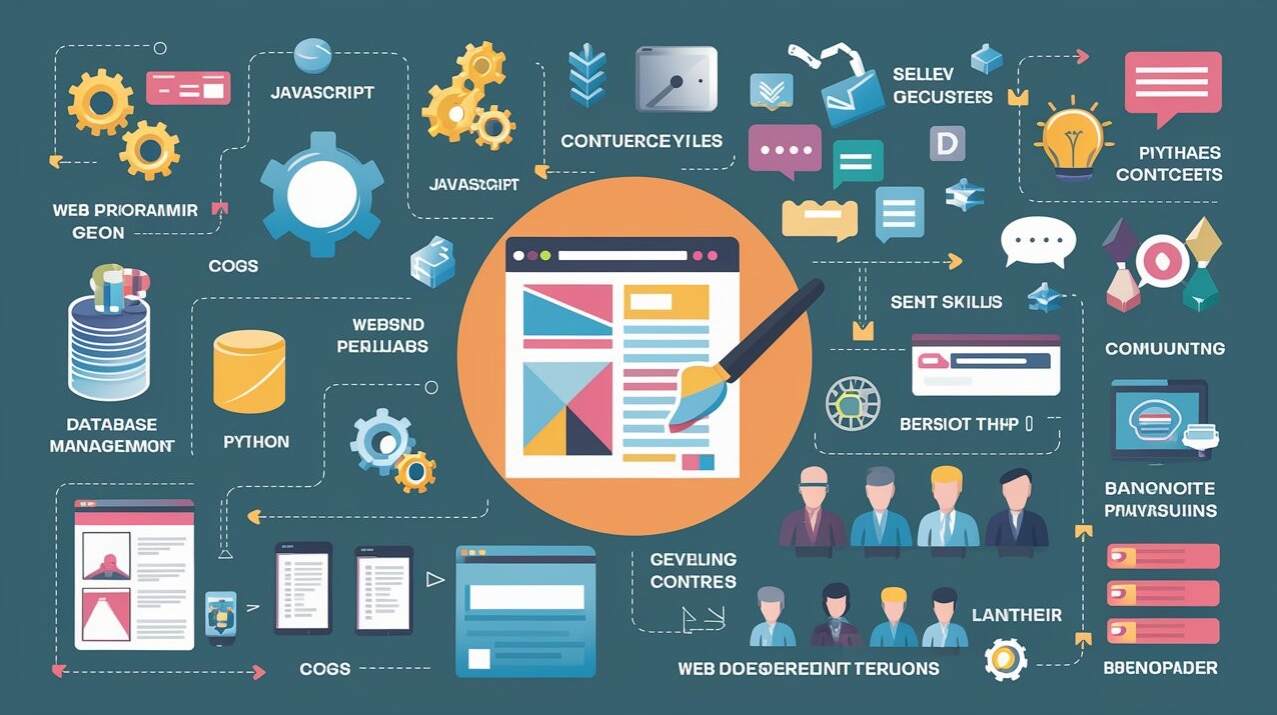
Front-End Development (Client-Side)
Daily tools:
-
HTML5, CSS3, JavaScript/TypeScript
-
Frameworks/Libraries: React, Next.js, Vue, Nuxt, SvelteKit, Solid.js, Qwik
-
Styling: Tailwind CSS, CSS Modules, Styled Components, Panda CSS
-
State management: Zustand, Jotai, Redux Toolkit, TanStack Query
-
Build tools: Vite, Turbopack, Bun
Goal: Deliver sub-second interactive experiences on any device with near-perfect Lighthouse scores.
Back-End Development (Server-Side)
Popular stacks:
-
Node.js: Express, Fastify, NestJS, Hono
-
Python: FastAPI, Django
-
Go (Fiber, Gin)
-
PHP (Laravel)
-
Rust (Actix, Axum) — growing fast for performance-critical services
Databases:
-
Relational: PostgreSQL, MySQL
-
Key-value/Caching: Redis, Dragonfly
-
Documentation: MongoDB, Firestore
-
Edge databases: Cloudflare D1, PlanetScale, Neon (serverless PostgreSQL)
Common tasks: authentication (NextAuth, Supabase Auth, Clerk); payments (Stripe, Lemon Squeezy); file storage; email delivery; webhooks.
Starter Stack for Beginners
If you’re a total beginner, this is the easiest, fastest way to start — in-demand, job-friendly, and quick to pick up:
Front-End:
-
HTML
-
CSS
-
JavaScript
-
Framework: React
Back-End:
-
Node.js + Express
Database:
-
PostgreSQL
Deployment:
-
GitHub + Vercel
Essential Extras:
-
Version Control with Git
-
Basic testing with Vitest + React Testing Library
-
API basics
This mini-stack gives you hands-on capacity to build real, job-ready projects without getting overwhelmed by advanced tooling.
Full-Stack Development (Frontend + Backend)
Full-stack developers handle both client and server sides to create end-to-end apps. Key duties include:
-
Building APIs and tying front-end to back-end
-
Database management and authentication
-
Efficient deployment
-
Cross-stack performance optimization
-
Working with modern tools like tRPC, Prisma, Drizzle ORM, Next.js, Supabase, and serverless functions
DevOps & Site Reliability Engineering (SRE)
DevOps/SREs keep apps stable, scalable, automated, secure, and always available. Tools and duties include:
-
Containerization: Docker, Podman
-
Orchestration: Kubernetes (for small teams sometimes), Fly.io, Railway
-
Infrastructure as Code: Terraform, Pulumi
-
CI/CD: GitHub Actions, GitLab CI, CircleCI
-
Observability: OpenTelemetry, Prometheus, Grafana
-
Security: OWASP Top 10 mitigations, SAST/DAST scanning, secret management
-
Modern architectures: Jamstack, Edge Functions, Serverless, Partial Prerendering (RSC in Next.js)
How to become a Web Developer
Path 1: Self-Taught (around 70% of the existing ones)
Free resources (edition):
-
freeCodeCamp.org (Responsive Web Design + JavaScript Algorithms)
-
The Odin Project (full-stack Ruby or JavaScript paths)
-
MDN Web Docs + TypeScript docs
-
Scrimba – Interactive React/TypeScript courses
-
YouTube: Fireship, Theo, Jack Herrington, Web Dev Is Life, JavaScript Mastery
Paid (highest ROI):
-
Frontend Masters (deep-dive courses)
-
Epic React by Kent C. Dodds
-
TypeScript in totality by Matt Pocock
-
TestingJavaScript.com by Kent C. Dodds
Portfolio projects that help you get hired:
-
Personal portfolio with Next.js 15 + Tailwind + Contentlayer
-
Full-stack SaaS MVP: Next.js + Supabase/PostgreSQL + Stripe
-
Job board/marketplace Clone
-
Open source contributions, especially to popular libraries
Path 2: Bootcamps vs Universities Comparison
Bootcamp Coding:
-
Full-time duration: 12–24 weeks
-
Cost: $8,000–$21,000
-
Job placement: 80–90% within 6 months
-
Best for: Quick career switch
Computer Science Degree:
-
Duration: 3–4 years
-
Cost: $40,000–$200,000+
-
Placement differs according to job title
Path 3: Apprenticeships & Junior Roles
Companies hiring juniors:
Shopify, Vercel, Hashnode, Lemon Squeezy, Supabase
-
Many European agencies and some U.S. startups offer paid apprenticeships
Testing: The skill that separates juniors from midlevel devs
-
About 80% of junior applications are rejected upfront due to missing tests
Essentials of testing:
-
Unit & component tests: Vitest or Jest + React Testing Library
-
Integration MSW: Mock Service Worker for API mocking
-
E2E: Playwright or Cypress (fastest growing)
-
Contract testing: Pact or Optic for API stability
Target: minimum 80% coverage on business logic, 100% on critical user flows
Well-written tests mean higher pay and faster promotions. Example: if your login page fails, automated tests catch it instantly before users see the issue.
Web Development Services: What Businesses Actually Buy
Most requested projects:
-
High-conversion marketing websites and landing pages
-
Custom e-commerce platforms beyond Shopify limitations
-
SaaS apps and MVP launches
-
Progressive Web Apps (PWA), mobile-web hybrids
-
Performance optimization and Core Web Vitals improvements
-
Security hardening and compliance: SOC 2, GDPR, PCI DSS
-
Migration from legacy stacks: WordPress, old Angular, etc.
-
API integrations: payment, shipping, CRM, ERP
Custom vs Template/Builder: Real Data
| Metric | Custom Next.js/Node stack | WordPress/Builder |
|---|---|---|
| Largest Contentful Paint (LCP) | 0.9–1.4 s | 3.5–8 s |
| Mobile conversion uplift | +200–400% case studies | — |
| Baseline monthly maintenance cost | $50–300 | $500–2000 |
| Ownership | 100% yours | Locked in |
| SEO potential | Excellent | Limited by theme |
Note: These performance figures vary by hosting and optimization. Companies earning over $500k/year almost always go with custom solutions.
Upcoming Trends in Web Development: 2026–2030
-
AI-assisted coding: Cursor, Windsurf, GitHub Copilot Workspace — 40–60% boilerplate reduction
-
Edge computing & distributed architectures: Cloudflare Workers, Deno Deploy, Vercel Edge
-
WebAssembly for heavyweight computations in the browser
-
Server Components & streaming SSR (React Server Components, Qwik Resumability)
-
Privacy-first, zero-trust becoming the norm
-
Spatial web & 3D interfaces: WebGPU, Three.js, web apps for Apple Vision Pro
This isn’t a dying profession; it’s just becoming higher value.
Your Next Step
Whether you’re aiming to become a web developer or you’re a business wanting to upgrade your online presence, here’s what’s next:
For Up-and-Coming Developers
-
Start today with freeCodeCamp’s Responsive Web Design certification — free and beginner-friendly
-
Build real projects: at least three (portfolio, SaaS MVP, or clones) and publish them online
-
Focus on testing, performance, and modern frameworks like React + TypeScript
For Founders & Businesses
-
Get expert guidance: book a free 30-minute strategy call with a senior development team (no sales pitch, just actionable advice)
-
Plan your high-performance site: decide between custom development and a website builder based on goals
-
Prioritize performance and security: ensure Core Web Vitals, SEO, and compliance are in your plan
The web is still young, full of opportunity. Build, learn, and grow today. Your next breakthrough could be right around the corner.
FAQs About Web Development:
-
How long will it take to land a junior web developer job?
About 4–9 months of focused study plus a strong portfolio for most self-taught folks. -
Do I need a degree?
No. Over 70% of professionals are hired without a computer science degree, based on skills and experience. -
Frontend or backend first?
Start with frontend (React + TypeScript) for quick, visible progress. -
Is web development saturated?
No—demand still exceeds supply, especially for testers, performance-minded developers, and those versed in modern tooling. -
Should my business use a website builder or go custom?
If revenue depends on the site, go custom. If it’s a brochure site with under 10k monthly visits, a builder can work.
For an easy way to optimize and convert your videos, check out the “Yolobit MP4.”